Connect O365 and Exchange in a snap
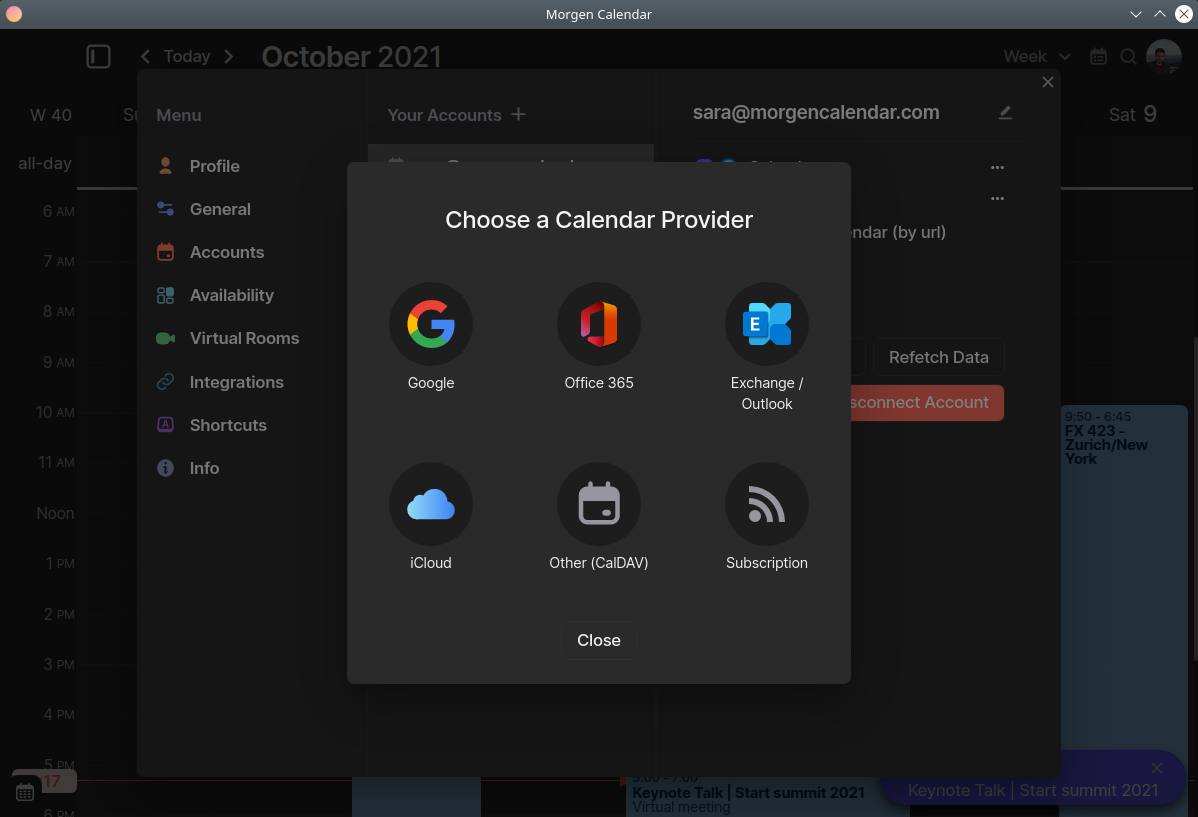
Linux and Microsoft do not get along well. Morgen supports all calendars out of the box, no special configuration, plugins, or extensions needed. Best of all, Morgen is a calendar app that finally brings freshness to your working environment on Linux.
Free 14 days trial. No credit card required.
Why Linux users love Morgen?
Andreas
Ubuntu 20.04
Other solutions (Gnome calendar) are a struggle, and also have a bad event creation experience, or only work in a browser.
Jose'
Arch Linux 5.12.12
One, Linux support. I bounce between macOS and Linux, and haven't found a good, reliable way to access multiple calendars on Linux.
Max
It's more polished as compared to other Linux calendars. The UI resembles that of Fantastical.
Jian-Jia
Ubuntu 20.04
It's beautiful and I can have two different calendars in one, so no double-booking.
Daniel
pop 21.04
Most desktop calendars (on Linux at least) are pretty rudimentary and integration with cloud-providers is hit and miss. Morgen ticks all the boxes and gives me the flexibility to view the calendar in variety of ways.
Sasha
Linux Mint 20.2
Works fine on linux, has many useful features, easy to use, looks nice.

Keep your data private
We don't serve ads, we don't sell your data, and we never will. By default, Morgen synchronizes all you calendar data locally. Account credentials are not stored on our cloud unless you decide to opt-in for advance features, such as Shared Availability and Scheduling Links.
The choice is up to you.
Optimized for keyboard and speed
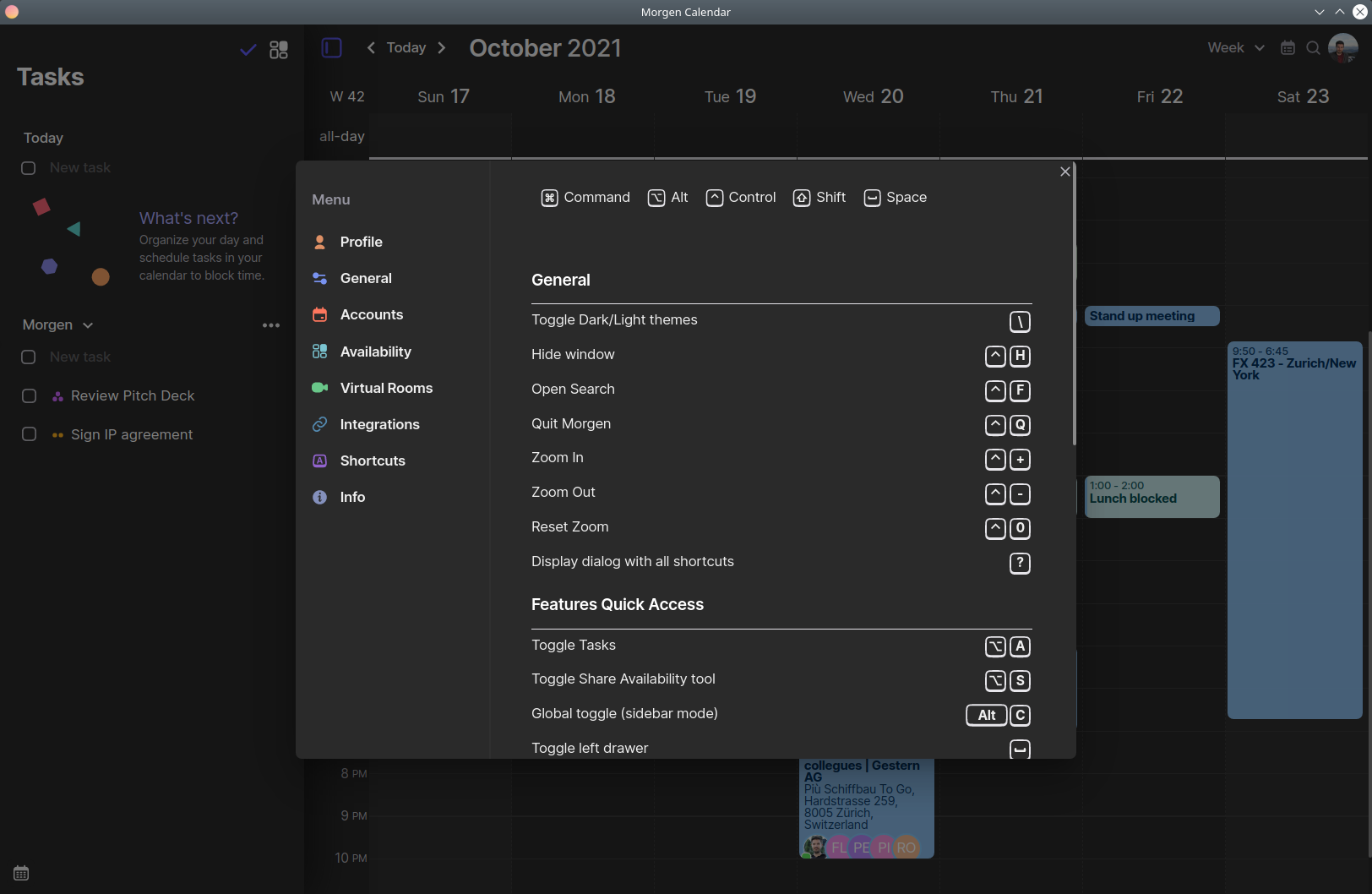
Use your keyboard for most common actions. Morgen provides shortcuts to switch between views and calendar sets, join a virtual meeting, or bring the calendar on the foreground while you are using any other app.
Free 14 days trial. No credit card required.
Eliminate the hassle of back-and-forth emails
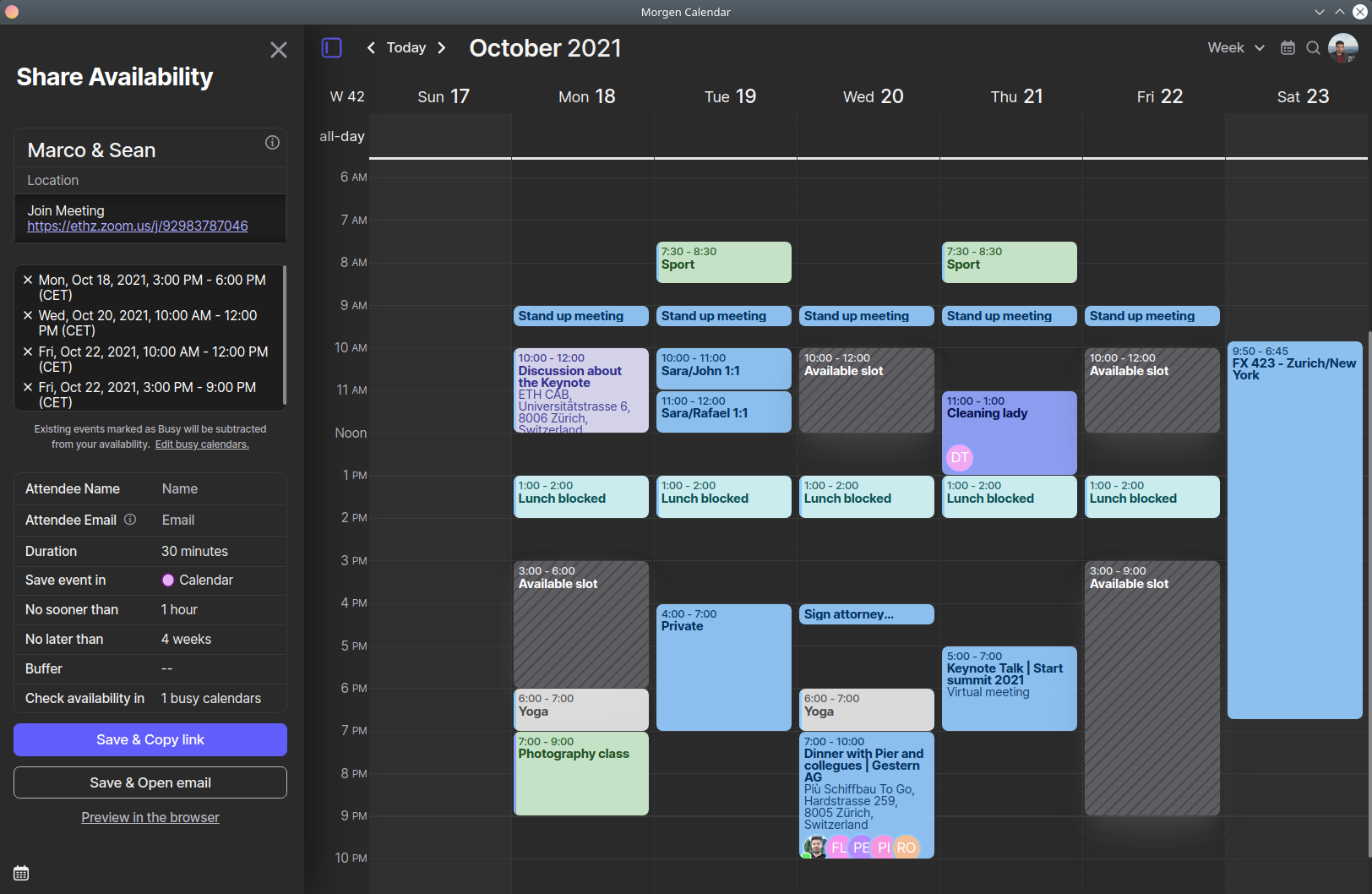
Morgen allows you to schedule meetings professionally and efficiently, directly within your calendar. Create permanent links to share your availability with anyone, or one-to-one links to make them feel more personal.
Free 14 days trial. No credit card required.
Calendars, Tasks and Scheduling Links in the same app, on Ubuntu, Fedora, Arch, and (almost) any other Linux distribution











Free 14 days trial. No credit card required.